


- Windows 11's July update has arrived
- It packs some smart features, including pausing updates at length and a new recovery option
- This patch also cures a nasty bug that slowly eats more and more drive space, but there's an issue to be aware of for Dell laptop owners
Microsoft has released its monthly patch for Windows 11 and the July update is a biggie, packing a feature that I've been awaiting for quite some time.
That would be the ability to pause updates on Windows 11 Home – beyond just a short period of time, which has been the only choice to date – and there are some other impressive additions from Microsoft here.
I'm going to pick out my top four features introduced by the July update, as well as rounding up some of the other more notable changes here. I'll also highlight an important bug fix that has been deployed for a nasty flaw that eats your drive space – along with a warning for some of those with a Dell laptop (who may not get this update for a good reason, as you'll see).
As ever, these changes were seen in the last optional update (June preview), and most of these features are being rolled out gradually, so you may not see them right away after installing this update (indeed, you may have to wait a while based on how the update winds blow regarding your exact PC configuration).
1. Pausing updates

Sometimes you want to hold off installing an update because of a bug that you're nervous about potentially affecting your system, and up until now, Windows 11 users have only been able to avoid any given update for five weeks.
Okay, so that's a fairly long time, but what if the bug is one of those persistent and niggly affairs that Microsoft takes an age to fix? You may want to delay the update beyond five weeks, and now you can. The catch is that you'll need to continually renew the delay for every 35-day period, but nonetheless, you can now keep an update at bay for as long as you want. (Well – until you're forced to update to a new version of Windows 11, that is, when support runs out for your current version).
2. Point-in-time restore

Another neat addition is point-in-time restore, a new recovery option that you can employ when something bad happens to your PC and you can no longer reach the desktop. Point-in-time restore lets you roll back a non-functioning system to a previous working state. It reverts to the "full system state" meaning that all your apps, files, and settings are recovered as captured at that previous time.
Hopefully this is a feature that you'll never need, but if you do, you'll be very glad of it. Note that the system backups obviously take up drive space, with older backups automatically deleted after 72 hours by default. Also, if you have a system drive that's smaller than 200GB, you'll have to enable this feature yourself (as it won't be turned on automatically due to potential space issues – note that you can specify a maximum amount of storage space used).
3. Fewer annoyances with widgets

The July update is making the widgets panel 'quieter' by which Microsoft means that it has cut out a lot of clutter. The main change is that by default the panel just displays your widgets and Microsoft has got rid of the promotional nonsense in terms of ads and the MSN feed. Notifications and taskbar badges are also minimized by default, and widgets no longer open when you hover over them.
There are some other streamlining moves here, and even if you don't use widgets, I think this is a noteworthy change as it shows the direction Microsoft is now heading in with Windows 11 – chilling out on the upselling as was previously promised (if not entirely banishing it).
4. Screen tint
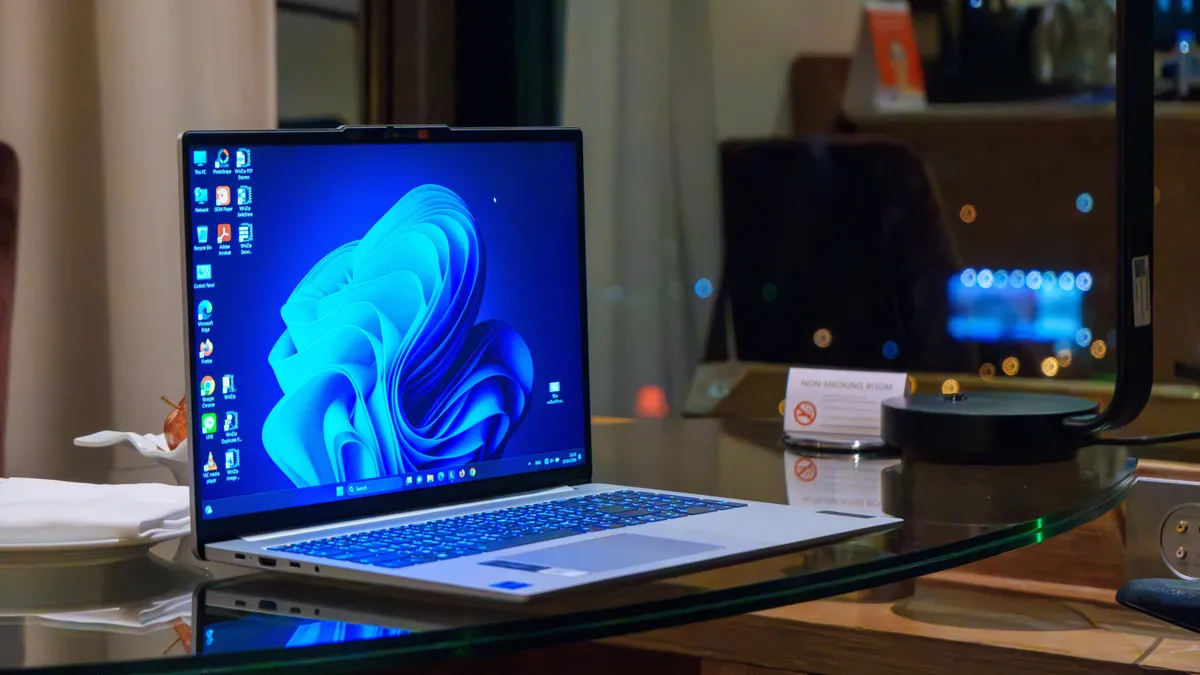
Windows 11 has been graced with a number of accessibility improvements in the July update, first of which is a new screen tint ability. This does what it says on the tin, allowing you to tint the screen with a choice of colors to help reduce eye strain, or to make text more easily readable. You can adjust the tint intensity, and this is a very useful addition that'll save people from downloading a third-party app to get these kinds of color overlays.
Other features in the July update
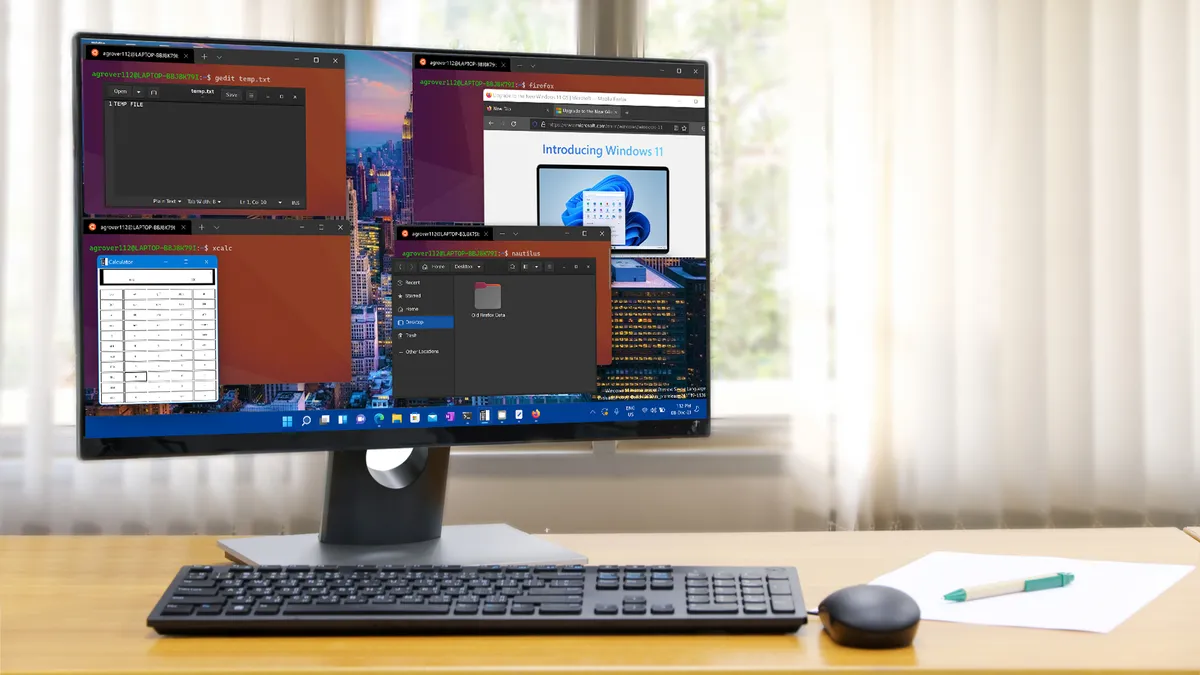
There's quite a lot going on here aside from the above major moves, and that includes Microsoft boosting the speed at which File Explorer launches (helping Windows 11 to feel more performant overall).
There's a whole lot of work on the Bluetooth front, too, as Microsoft notes: "This update improves reliability and performance when connecting to and using Bluetooth devices." That includes better driver stability, improved audio routing for calls via Phone Link, and more.
File Explorer has also been honed to be more reliable, and Microsoft has implemented a performance tweak to the Background Intelligent Transfer Service (BITS) that means PCs will shut down more promptly. If you've ever sat staring at your computer while it takes 20 seconds to shut down, wondering what on earth it's doing, that kind of behavior will hopefully be a rarer occurrence going forward.
A major bug fix – and Dell laptop problems
There's some good news for those of you who have been suffering at the hands of a mysterious bug that eats storage space (due to an out-of-control database file). This is fixed with the July update (the cure was in the June preview before it), so you can grab this to resolve the issue (hopefully).
There's some bad news on the bug front, though, namely that you won't get this update on some Dell devices with Intel CPUs, as Microsoft has blocked it due to the July patch causing all sorts of weird issues. I say it's bad news, but at least Microsoft caught the problem and has prevented the update from being piped to those machines.
Microsoft informs us: "This update might not be available for a limited number of Dell devices with Intel processors due to an incompatibility reported by Dell that can potentially cause unexpected shutdowns, poor performance, increased heat, and battery drain. We are working together with Dell to prevent the affected models from experiencing the issue and plan to release a resolution for affected devices in the coming days."
So, if you were wondering why you couldn't get this patch on your Dell laptop, now you know. You'll just have to sit tight for now until Microsoft and Dell get this ironed out.

Follow TechRadar on Google News and add us as a preferred source to get our expert news, reviews, and opinion in your feeds.

➡️ Read our full guide to the best laptops
1. Best overall:
Apple MacBook Air 13-inch M5
2. Best budget:
Apple MacBook Neo
3. Best Windows 11 laptop
Microsoft Surface Laptop 13-inch
4. Best thin and light:
Lenovo Yoga Slim 9i
5. Best Ultrabook
Asus Zenbook S 16