


- RPCS3 has been updated to play PS3 discs on almost any PC
- Windows was supported previously, but macOS, Linux and FreeBSD are now too
- You'll just need a compatible disc drive and some confidence
Just as Sony begins the somber funeral procession for physical games media, some modders aren’t taking it lying down. This includes the team behind the RPCS3 PlayStation 3 emulator, who just made it possible to play PS3 discs on a much wider range of computing hardware — provided you hit a few technical requirements.
This feature was previously available to Windows RPCS3 gamers, but thanks to the work of developers digant73 and Megamouse, the emulator can now support physical games media on macOS, Linux, and FreeBSD.
What’s more, this change unlocks the option to play discs on modded consoles, with replies to the announcement discussing the options to boot up PS3 discs on Linux-powered PS4 and PS5 hardware.
The change was announced on social media with the team celebrating that games launched as far back as 2006 should now be playable with the hardware in your home. Though the 'plug and play' promise isn’t quite as simple in reality.
A few steps
Of course you’ll need a decent PC for this to work, though you could get away with a pretty ancient model if you need to. The minimum settings require an Nvidia GTX 400 series or newer GPU (released all the way back in 2010), so any modern desktop or laptop released in the last 15 years should be fine.
You’ll also need a disc drive. For advice I’d suggest checking out the RPCS3 Quickstart guide for the models the team recommend and know work.
Lastly there’s some software stuff you’ll need to organize like getting the emulator installed, downloading PS3 system software to your PC, and a decryption key to be able to read the disc on the fly rather than needing to dump it onto your PC first. For that last one, you’ll need to use a community-made database.
The process is fairly simple with the RPCS3 guide. If you do hit any snags, there are forums and Reddit threads full of people who have likely had your issue before and found a solution already.
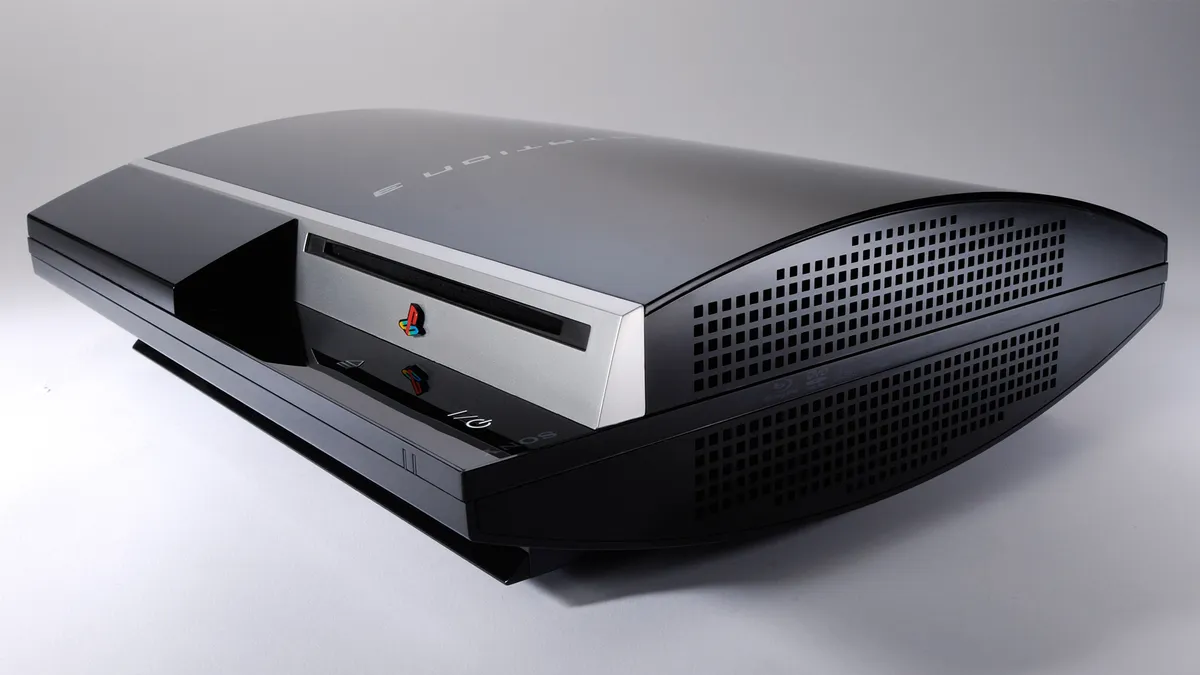
At a time when companies like Sony are doubling down on anti-physical gaming measures, while clarifying that digital games aren’t owned — merely licensed — efforts like this are a reminder that access to games still matters, and can be maintained if you’re dedicated enough.
This will make it much easier for people to play the classic PS3 collection they still hold dear, and make it easier for this era of gaming history to be catalogued, preserved and played for years to come.

Follow TechRadar on Google News and add us as a preferred source to get our expert news, reviews, and opinion in your feeds.
