





- The reMarkable Paper Pro doesn't come with Android installed, but a YouTuber fixed that
- The port isn't perfect, but solves several flaws with the ereader
- The YouTuber wants to release a more accessible Android 13 port
We adored the reMarkable Paper Pro when we first reviewed it back in 2024. The “elegant writing tablet” combines a large color e-ink display with speedy writing response, and a distraction-free operating system to create a package that seriously delivers. Though we found it often lacks more features than it boasts.
This is a downside of its proprietary Linux-based OS. It keeps distractions low so you can focus on writing, but means there’s a lot of essential apps without ports for this tablet. The solution, as YouTuber Chalid Raqami found, is to simply install Android yourself.
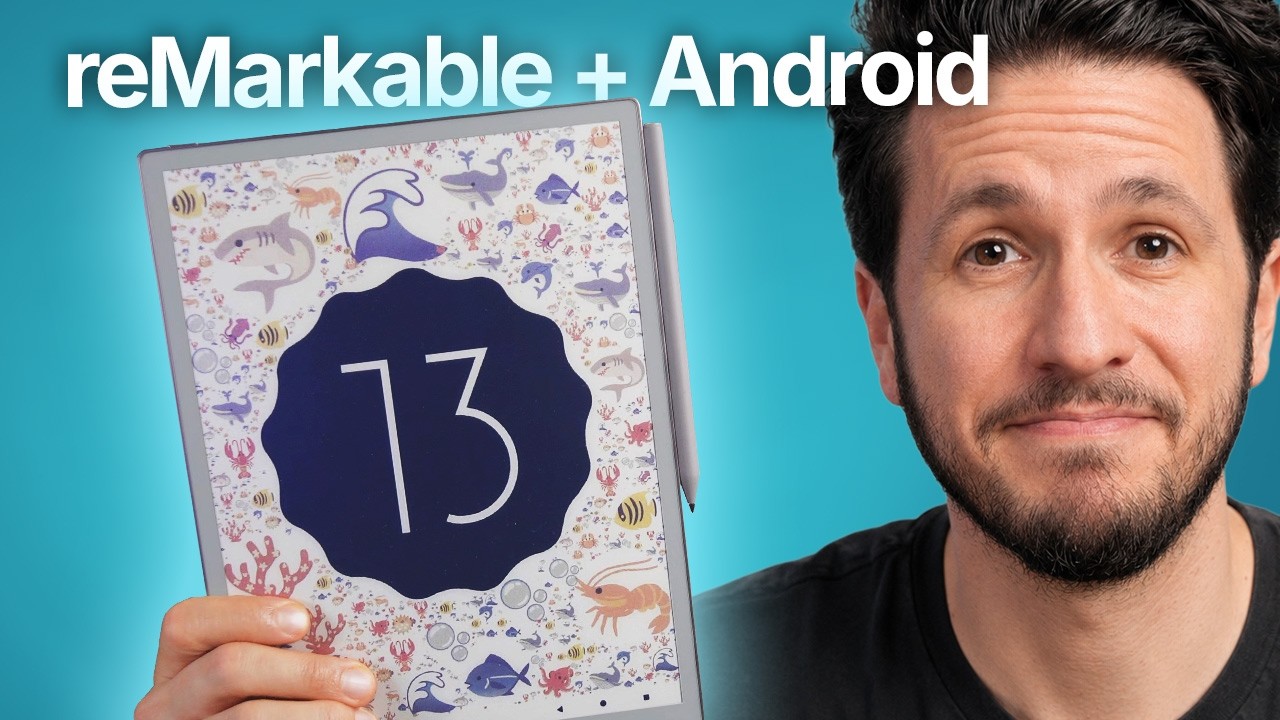
Running Android 13 on the reMarkable Paper Pro comes with a slew of major benefits. It can support third-party Bluetooth keyboards instead of the pricey official keyboard folio, run apps like Kindle and Microsoft OneNote (with support for the stylus) and, perhaps best of all, the ability to swap between Android 13 and the original OS at the press of a button.
Though getting Android to work on the tablet wasn’t quite as simple at first.
The biggest trouble is the tablet’s measly 2GB of RAM and meager four-core processor. Raqami says he spent a lot of time optimizing his build to make it less frustratingly slow, getting it to a point where the tablet could comfortably run one Android app at a time.
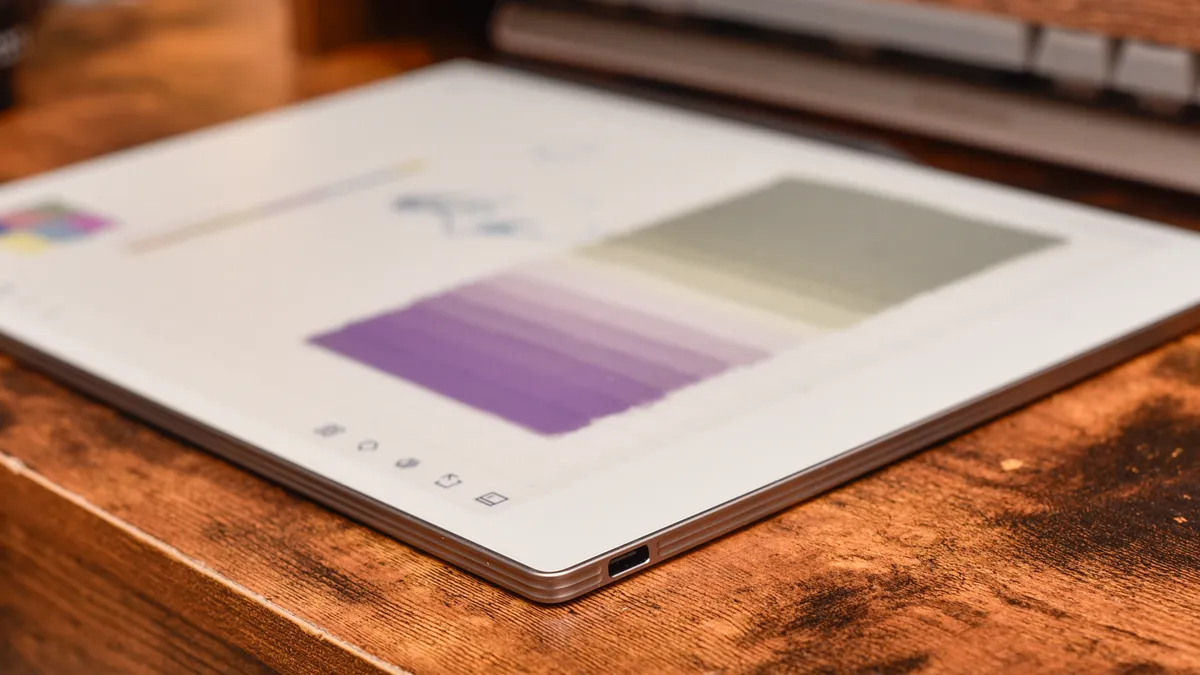
Imperfect, but beautiful
Though as you can see from the video and Raqami himself admits, the user experience is far from optimized. Things are still somewhat laggy and a little glitchy at points (color popping in and out as you scroll through the Kindle library) — certainly not as stable as you’d expect from an official Android release — but that’s the cost of trying to retrofit a system that was never meant to run this OS.
The flipside is you get a much more capable tablet in terms of the apps it can attempt to run, and that might make you wish you could install Android 13 on the Paper Pro yourself.
Well, if you’re willing to recreate Raqami’s work, you can get started right away. For everyone else, he says he’s trying to release a version of the port himself as a simpler install package, though for various reasons he says it’ll be a little while until the package is polished enough for general release.
In the meantime, he says some early testers may be able to help him fine-tune the Android port by trying it before launch, though again you’ll need to stay tuned for if/when that becomes a possibility.

Alternatively, you could pick up the Onyx Boox Go 7. It isn’t full-color, but it is an impressive Android ebook reader that we really loved when we reviewed it earlier this year.
Best of all, it comes with full Android support already installed. No jerry-rigging required.

Follow TechRadar on Google News and add us as a preferred source to get our expert news, reviews, and opinion in your feeds.
